Our refined agentic engineering workflows
A working account of the agent-assisted engineering loops we use to reduce intervention time while preserving delivery quality.
 Claude Code
  Copilot
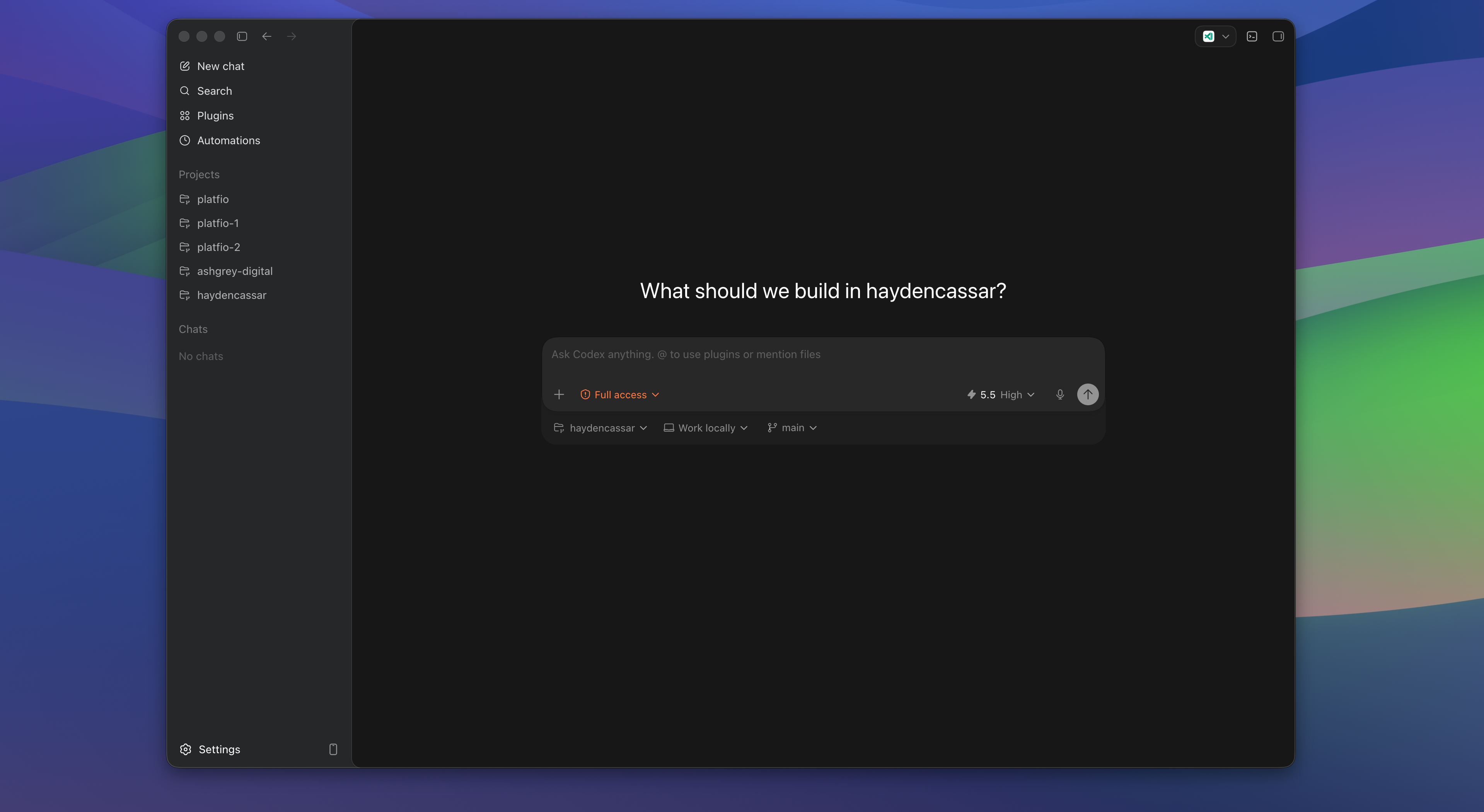
  Codex
Codex  Cursor
  GitHub
  Browser
 The name of the game in agentic engineering is reducing the time between interventions, while maintaining quality.
That sounds simple, but it changes how you think about the entire software delivery system. The goal is not to have an agent run forever. The goal is to make every handoff smaller, sharper, and more recoverable.
When the agent gets stuck, the human should not need to reconstruct the whole world from scratch. When the human gives direction, the agent should be able to convert that direction into code, tests, documentation, review notes, deployment steps, or a rollback plan without asking five avoidable questions.
The best workflows make the loop feel boring:
- The agent understands the shape of the system.
- The agent proposes or executes the next reasonable move.
- The system gives feedback through tests, type checks, previews, logs, and review.
- The human intervenes only where judgement is actually needed.
- The next loop starts with more context than the last one.
That is the operating model I care about.
These notes come from operating agentic workflows inside a platform used across many customer-facing software projects. That changes what “good agent workflow” means. A clever one-off prompt can help one developer once. A real workflow has to survive repeated use by teams with different customers, different app types, different levels of technical skill, and different tolerance for ambiguity.
It also meant the workflow could not be separated from the rest of the platform. Agents needed durable repo and product context, not ad hoc memory. They needed handoffs that worked outside the founding team. And because the same platform was also running production deployment workflows, engineering agents had to respect release, rollback, and support reality.
The most important changes were not the flashiest ones.
Platfio originally contained nine polyrepos. Some published npm packages that the others depended on. Each repo had its own deployment infrastructure. That structure made sense for the pre-agent world: we could outsource focused engineering work to agencies and expose them to only the slice of the codebase they needed.
But it became painful for agentic engineering. Agents do not thrive when product truth is scattered across repos, package versions, deployment scripts, docs, Slack history, roadmap documents, and tribal memory. The first serious workflow improvement was not a clever prompt. It was moving the platform toward an extended Nx monorepo where code, shared packages, scripts, product docs, roadmaps, requirements, and agent instructions could live close enough together for an agent to inspect.
That pattern repeated. The big wins came from doing the basic engineering work well: repo structure, docs, components, commands, portable instructions, secret setup, and clear local/CI boundaries. The more experimental agent tricks often got us 95 percent of the way there, then failed exactly where the human trust bar was highest.
What changed in practice
This work was not about trying every new agent tool for novelty. It was about lowering the human intervention cost of real engineering work while preserving release quality across a platform with customer applications, deployment runners, and agent-assisted workflows operating across planning, support, delivery, and handover.
| Workflow change | Practical effect |
|---|---|
| Polyrepo to extended Nx monorepo | Agents could inspect related code, shared packages, product docs, scripts, and deployment context in one workspace |
| Repo-native product context | Product requirements, roadmap notes, support constraints, and implementation rules became inspectable instead of trapped in meetings |
| Portable agent instructions | Copilot, Cursor, Claude Code, Codex, and future harnesses could reuse the same operating knowledge instead of drifting by provider |
| Componentized UI | Agents composed established product primitives rather than inventing new layouts, reducing visual drift and review burden |
| Local/CI/cloud boundaries | Local agents explored and used browser feedback; CI/cloud agents converged on narrow checks, fixes, and handoffs |
| Secret readiness patterns | Agents could distinguish missing environment setup from real product failures without gaining unnecessary authority |
Contents
- What changed in practice
- The last 5 percent
- A real agentic engineering loop
- System agnostic by design
- System evaluation criteria
- CI agents vs local agents
- Secret management
- Requirements first
- The repo was the first workflow
- Extensive docs
- Strong UI components
- AGENTS
- Skills
- Voice-based prompting
- Multi-agent management
- Hooks
- Automations
- Where agents failed us
- The operating system
- Training the team
flowchart TD
  Context["Readable repo context"]
  Plan["Explicit plan"]
  Work["Agent implementation"]
  Feedback["Tests, previews, logs"]
  Review["Human judgement"]
  Memory["Durable repo memory"]

  Context --> Plan --> Work --> Feedback --> Review
  Review --> Memory
  Memory --> Context
Feedback -. narrows .-> Work| Workflow layer | What it reduces | What it should produce |
|---|---|---|
| Requirements | Misaligned work | A clear definition of done |
| Monorepo structure | Scattered context | Fast orientation and shared commands |
| Repo-native product docs | Missing product intent | Requirements, roadmap, and marketing context the agent can inspect |
| UI components | Visual drift | Consistent screens with fewer invented patterns |
| Portable instructions | Vendor lock-in | Agent context that survives Copilot, Cursor, Claude Code, Codex, and whatever comes next |
| Hooks and automations | Forgotten checks | Repeatable feedback at the right moment |
The best agent workflow does not remove human judgement. It moves judgement to the moments where it actually changes the outcome.
The last 5 percent
The first 95 percent of agent-assisted work is often impressive. A feature appears. A migration compiles. A page renders. A refactor mostly works.
The last 5 percent is where the value is.
That last slice contains the awkward edge cases, broken mobile layout, stale documentation, missing permission check, renamed environment variable, failing CI job, unclear product decision, and the “this works locally but not in production” detail.
It is also where trust is either earned or lost.
If an agent can only generate the first draft, it is useful. If it can carry the work through the final checks and hand back a clean, reviewable result, it starts to become part of the engineering operating system.
This is also where a lot of agent automation looked better in demos than in production.
We experimented with automated changelog generation, hooks that tried to enforce code quality, and scripts that attempted to close loops automatically. Many of them got 95 percent of the way there. The changelog was mostly right but missed the product implication. The hook caught the obvious style issue but not the broken mobile state. The automation produced a plausible summary but not one the release owner could trust without rereading the diff.
That does not make those tools useless. It means the last 5 percent still needs a real system around it: strong components, targeted checks, screenshots, repo instructions, and human review at the point where judgement matters.
The practical question is:
How do we design a workflow where the agent can keep moving through the last 5 percent without creating a quality debt that humans have to silently pay later?
My answer is to make the environment more legible, the feedback loops tighter, and the expected handoffs explicit.
A real agentic engineering loop
The useful loop usually looked less magical than the demos.
A task would start as a messy product request: improve an agency workflow, fix a deployment edge case, add a planning affordance, tighten a UI state, or make an agent-generated artifact easier to review. The first agent pass was rarely “go build this whole thing”. It was usually:
- Read the relevant repo and product context.
- Restate the requirement and likely files.
- Identify what should not change.
- Make a narrow implementation pass.
- Run the local check that best matched the change.
- Use the browser or screenshot path for UI work.
- Hand back the diff, risk, and next action.
The human intervention point moved from “explain every mechanical step” to “correct the judgement.” That might mean clarifying the product intent, rejecting a proposed abstraction, pointing at a missed edge case, or telling the agent to stop before it turned a narrow fix into a refactor.
The same pattern applied to agency-facing agents. An agent might draft a proposal, turn discovery notes into a plan, prepare QA steps, or generate handover material. The workflow only worked when the agent left behind product-shaped state: files, tasks, todos, artifacts, notes, approvals, or follow-up suggestions that the next person could inspect.
| Step | What the agent handles | What the human still owns |
|---|---|---|
| Orientation | Repo search, product context, similar examples | Whether the task is worth doing |
| Planning | Likely files, checks, constraints, risk | Product intent and acceptance bar |
| Implementation | Mechanical code/content changes | Architecture and taste decisions |
| Verification | Tests, type checks, previews, screenshots | Whether the result is actually good |
| Handoff | Summary, diff, next actions, artifacts | Final review and release judgement |
This is why intervention time matters more than pure autonomy. The win is not that the agent never needs help. The win is that each human correction becomes smaller, higher-leverage, and easier for the next loop to preserve.
System agnostic by design
I do not want an agentic engineering workflow that only works inside one product, one model provider, or one IDE.
The useful layer is system agnostic. It should work with local agents, cloud agents, CI agents, CLI agents, editor agents, and whatever comes next. The model can change. The interface can change. The underlying delivery system should still make sense.
This matters because the labs are constantly leapfrogging each other.
We felt this directly. The workflow moved through GitHub Copilot, Cursor, Claude Code, and now Codex. Each had different strengths: editor proximity, local execution, repo search, cloud execution, browser surfaces, review comments, model quality, or CI integration. For a few months, one coding harness has the best local loop. Then another has better cloud execution. Then another gets better context handling.
If the engineering workflow is welded too tightly to one vendor’s current advantage, the whole system becomes brittle.
The goal is not to predict the permanent winner.
The goal is to make the repo, commands, docs, tests, review process, and handoff surfaces strong enough that Claude Code, Codex, Copilot, Cursor, CI agents, or the next serious harness can all operate inside the same delivery system.
That means the workflow needs to be grounded in durable things:
- A codebase structure agents can inspect quickly.
- Commands that work outside a single chat session.
- Documentation that explains intent, not just syntax.
- Tests and checks that produce actionable feedback.
- Reusable instructions for common behaviours.
- Clear points where humans approve, redirect, or stop the run.
The agent should not be the source of truth. The agent should be a capable operator inside a source-of-truth environment.
Portable agent context
The most annoying version of vendor churn was instruction drift.
One system wants AGENTS.md. Another has rules. Another has memories, skills, prompts, or project instructions. The content was often the same: how to run the repo, which components to use, what not to touch, how to verify changes, and which workflows need approval. But every tool wanted it in a slightly different location and format.
So we built a simple portability layer. We keep the generic agent context in one place, then sync it into the locations each provider expects. That keeps the team from rewriting the same guidance for Copilot, Cursor, Claude Code, Codex, and the next tool we evaluate.
It is not glamorous, but it matters. When the model changes, the team’s accumulated workflow knowledge should not reset.
System evaluation criteria
Local functionality, cloud functionality, and token cost are not separate philosophy debates. They are evaluation criteria for every coding harness.
When a new agent tool appears, I want to ask:
- How strong is its local loop?
- How strong is its cloud loop?
- How much context does it need to do useful work?
- How much review burden does it create?
- How easy is it to swap out when another lab leapfrogs it?
That is the system-agnostic posture.
Local functionality is about feedback latency and environment access. A strong local harness is close to the code, terminal, browser, app preview, logs, current branch, and developer context. It is useful for iterative implementation, debugging, visual QA, refactors, and anything where the agent needs to see the same messy state the human sees.
Cloud functionality is about detached execution. A strong cloud harness can pick up a ticket, run in a clean environment, prepare a branch, fix a CI issue, perform scheduled maintenance, or continue work without occupying the developer’s machine. It is especially useful when the work has a clear definition of done and does not need constant human steering.
Token cost has two sides.
The first is literal: can we buy tokens for this provider at affordable rates, with pricing predictable enough to use the harness heavily? A brilliant agent that is too expensive for everyday iteration becomes a special-occasion tool, not an operating system.
The second is operational: a long run is expensive if it produces a diff the team has to slowly distrust, untangle, and rewrite. A cheap run that creates review burden is not cheap.
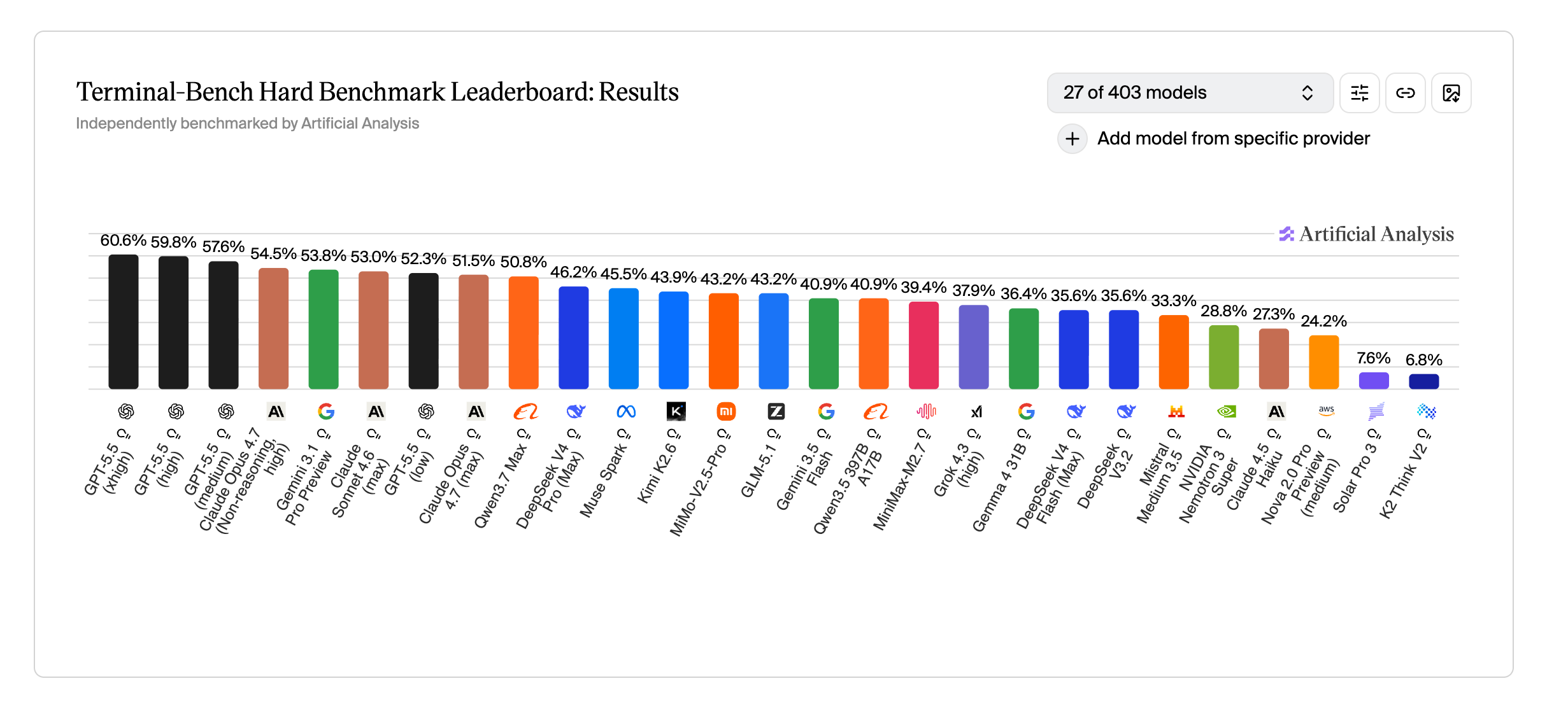
| Harness dimension | What to evaluate | Why it matters |
|---|---|---|
| Local functionality | Can it run the app, inspect diffs, use the browser, read logs, and iterate quickly? | Fast feedback is what carries the last 5 percent |
| Cloud functionality | Can it work from a clean environment, prepare branches, fix CI, and run detached jobs? | Some work should not require a local machine or constant attention |
| Token cost | Can we buy tokens for this provider at affordable, predictable rates? | Heavy daily usage needs sustainable economics |
| Context efficiency | Does it need huge prompts, or can repo structure and docs carry the load? | Lower context waste makes tools easier to swap |
| Review cost | Does the output arrive narrow, explainable, and testable? | Human review time is part of the real price |
| Portability | Can another harness use the same commands, docs, tests, and handoff surfaces? | The labs will keep leapfrogging each other |
The better optimisation is not “use fewer tokens” in isolation. It is “spend context where it reduces future intervention.”
Good documentation, smaller tasks, reusable skills, stable commands, and narrow ownership boundaries all reduce wasted context. They also reduce the chance that the agent makes a confident move in the wrong direction.
The workflow should decide which harness to use based on feedback latency, environment access, risk, cost, and portability. No mode is inherently better. The best system is the one that can absorb whichever tool is currently strongest without rebuilding the engineering process around it.
CI agents vs local agents
CI agents and local agents should not have the same job.
A local agent is a collaborator. It can ask clarifying questions, inspect an existing working tree, use the browser, iterate on UI, and make judgement calls with the developer nearby.
A CI agent is a closer. It should operate in a stricter box:
- Reproduce the failure.
- Inspect the relevant diff and logs.
- Make the smallest safe fix.
- Run the targeted checks.
- Explain what changed and why.
The CI agent should be biased toward containment. It should not opportunistically refactor unrelated code just because it noticed something. It is there to keep delivery moving, not to reinvent the branch.
Tool availability changes the job too.
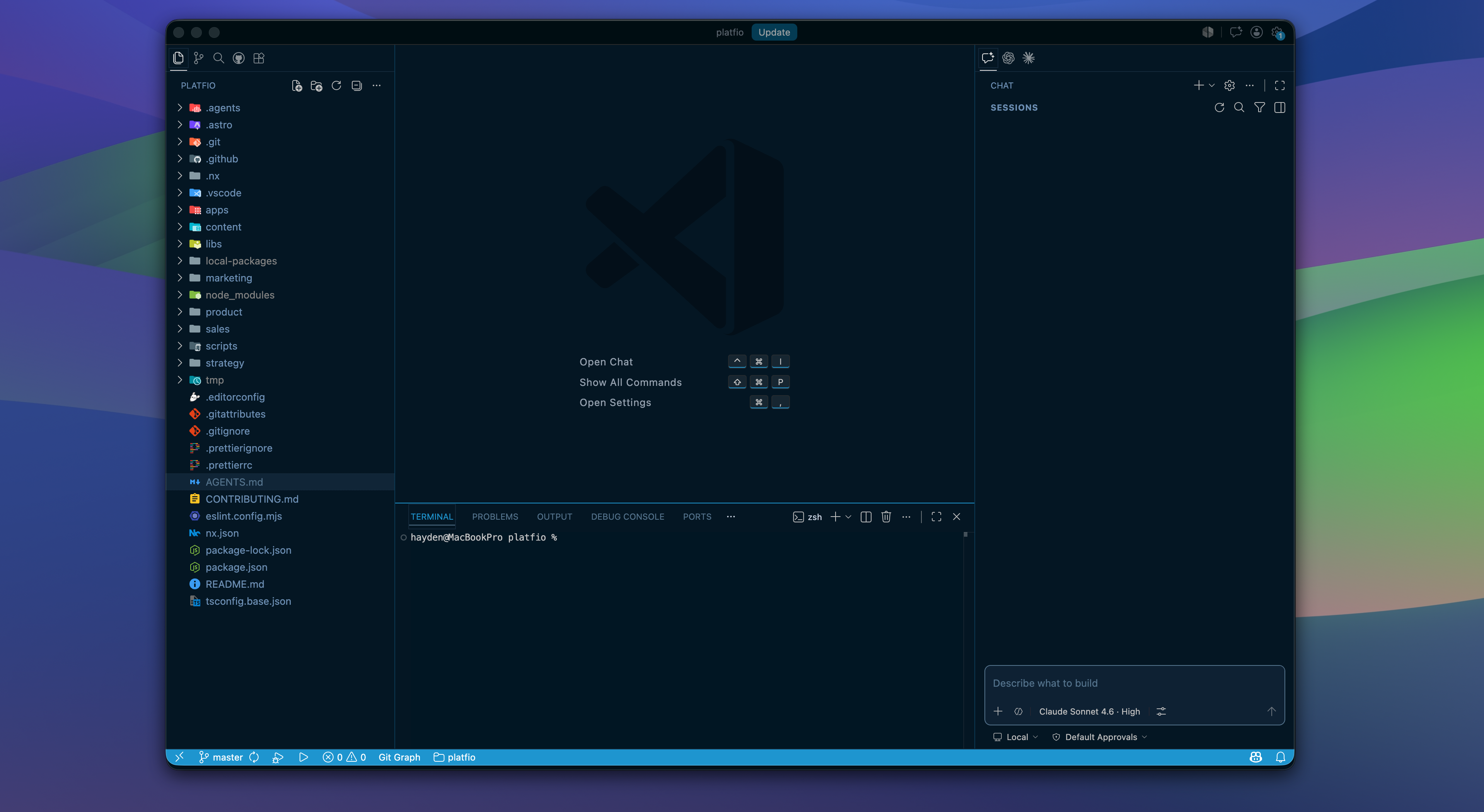
Browser testing is the obvious example. GitHub has local surfaces inside the developer’s machine and agentic surfaces inside GitHub. Codex has local and cloud workflows as well. They are not interchangeable.
Codex and VS Code-style local harnesses can have an integrated browser sitting beside the code, with the current dev server, local cookies, screenshots, responsive checks, and visual debugging available in the same loop. A CI environment may have Playwright or a headless browser, but it usually will not have the same interactive browser state, authenticated profile, local desktop context, or human-visible preview surface.
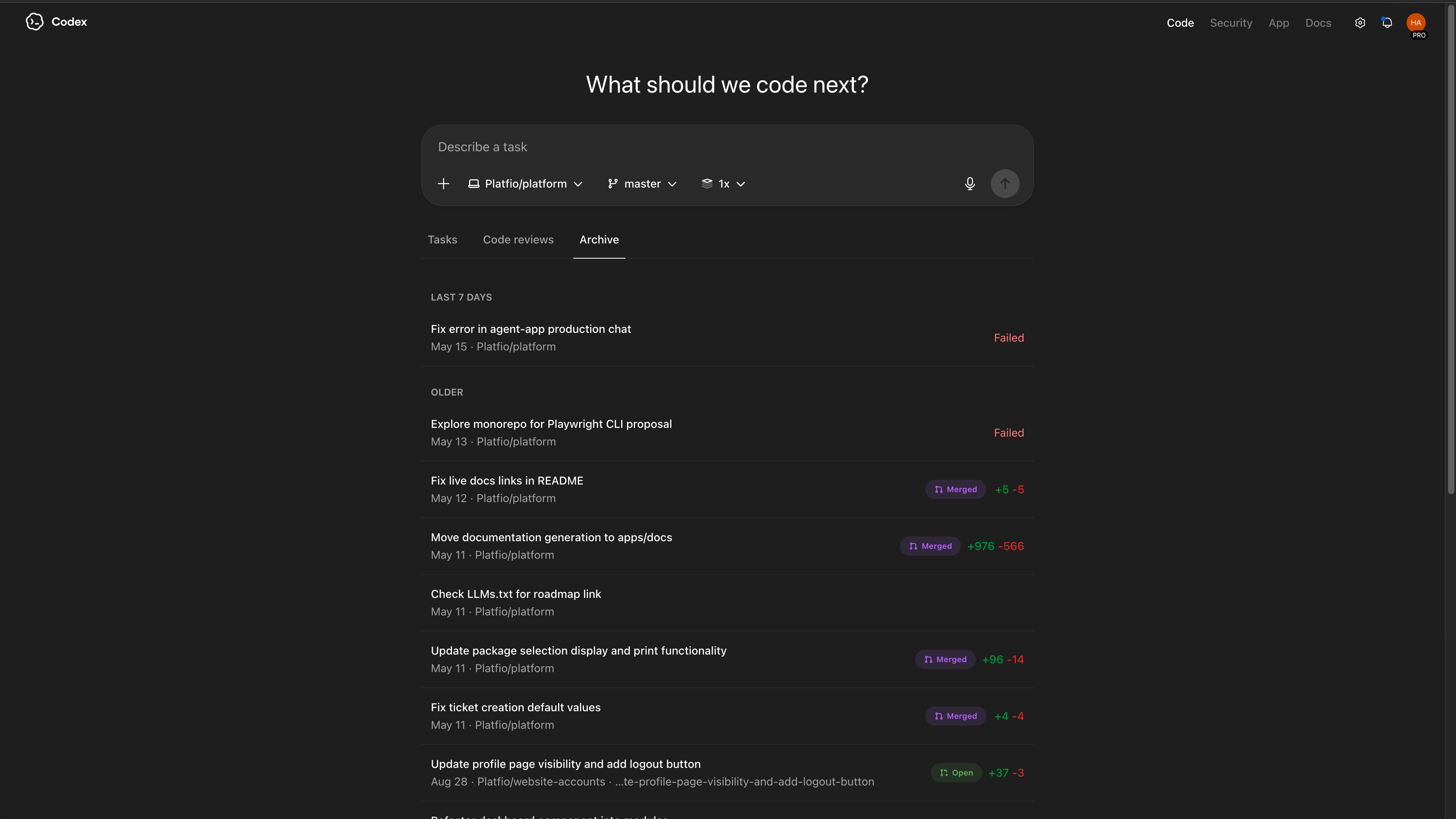
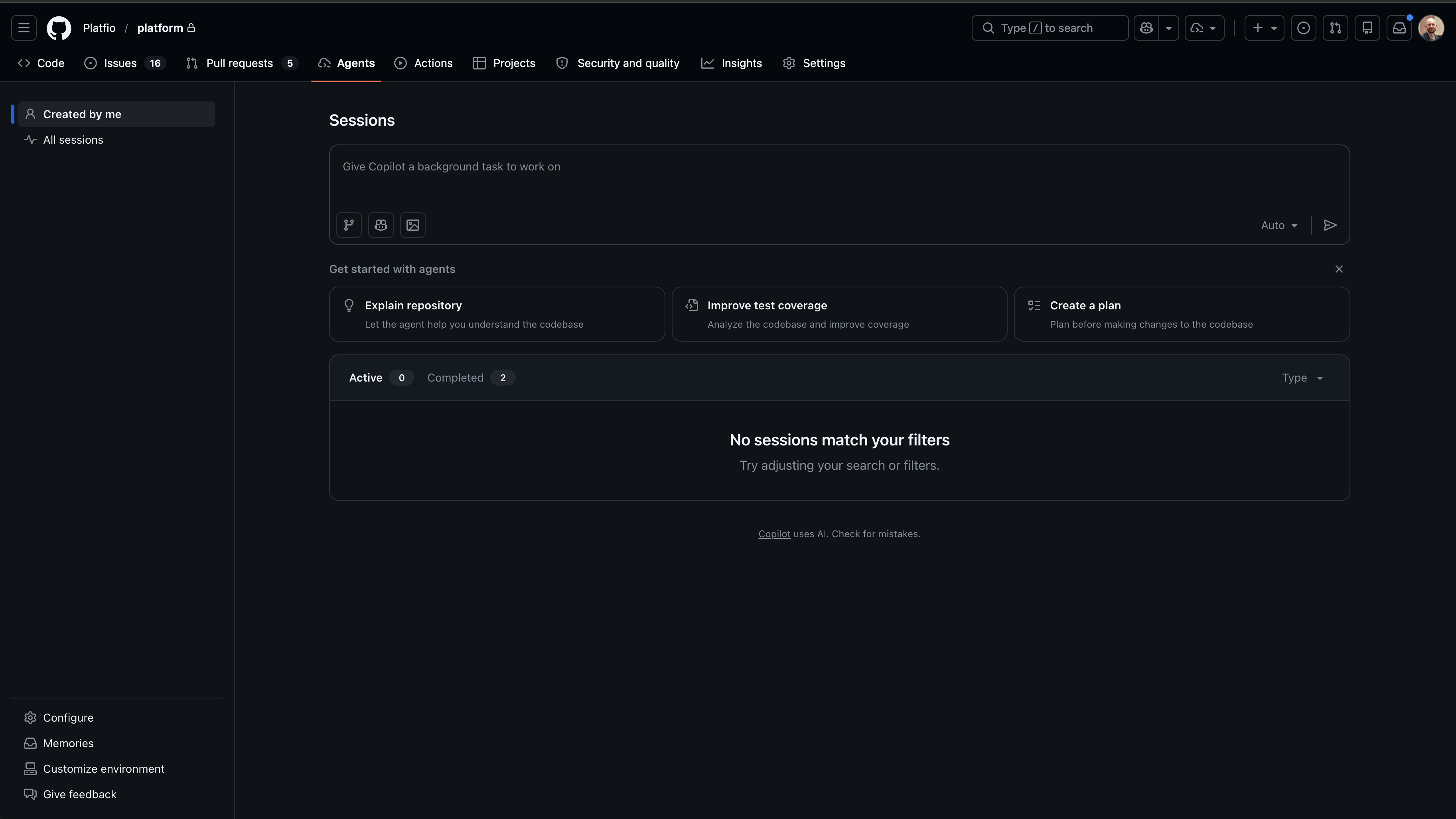
That difference should shape the workflow:
| Capability | Local agent | CI or cloud agent |
|---|---|---|
| Browser QA | Can inspect the live app, screenshots, local auth state, and visual regressions interactively | Should rely on reproducible headless checks, traces, screenshots, and preview URLs |
| Environment context | Can use the current branch, local files, logs, and running services | Should start from a clean checkout and explicit setup commands |
| Human steering | Can ask, show, and adjust quickly | Should converge on a narrow fix with a clear summary |
| Risk boundary | Can explore with the developer nearby | Should avoid broad exploration unless the task explicitly asks for it |
Local agents can explore. CI agents should converge. The workflow should not pretend both environments have the same tools.
Secret management
Secret management is one of the hidden bottlenecks in agentic engineering.
It is also one of the easiest places for a new developer, local agent, or CI agent to lose half a day.
It gets worse when the team is moving between agent systems.
Every serious harness wants a setup story: local environment, cloud environment, CI environment, browser auth, provider keys, repository permissions, and sometimes its own secret store. You get one tool working, then evaluate another tool and discover the environment has to be rebuilt again. The secrets need to be copied, scoped, redacted, or reapproved in a new place.
Most real systems need API keys, OAuth clients, webhook secrets, signing keys, database URLs, service account credentials, encryption secrets, and third-party tokens. Humans learn where those live through tribal knowledge. Agents do not. If the repo only says “copy .env.example” but the actual values live across a password manager, cloud console, teammate laptop, CI settings page, and a forgotten Slack thread, the workflow is not agent-ready.
Local and CI environments need different secret strategies.
Locally, the goal is fast, safe setup. A developer should know which secrets are required, which are optional, which can use sandbox values, and which commands validate that the environment is ready. The local agent should be able to detect missing configuration and explain the exact next step without printing secrets or guessing values.
In CI or cloud execution, the goal is reproducibility and containment. Secrets should be injected through the platform’s secret store, scoped to the job, protected by environment rules, and unavailable to untrusted branches. The agent should know which checks can run without secrets, which checks need mocked services, and which deployment or integration tests require protected credentials.
Secret management checklist
- Keep
.env.examplecurrent, but treat it as a map, not the source of truth. - Document where each secret comes from and who can grant access.
- Separate local development, preview, CI, staging, and production credentials.
- Provide sandbox or mock paths for checks that should run without real secrets.
- Add a safe validation command that reports missing keys without revealing values.
- Make protected secrets unavailable to arbitrary agent runs and forked branches.
- Rotate credentials when an agent or automation path changes authority.
Secret surfaces
| Surface | Main risk | Better pattern |
|---|---|---|
| Local development | New developers blocked by missing keys | Documented setup plus sandbox defaults |
| CI checks | Tests fail because secrets are unavailable or overexposed | Split secretless checks from protected integration checks |
| Cloud agents | Detached runs gain too much authority | Scoped credentials and explicit environment approval |
| Production deploys | Automation can mutate real systems too easily | Protected environments, manual gates, and auditable access |
Good secret management reduces intervention time because setup becomes legible. It also reduces risk because agents can operate inside known boundaries instead of discovering credentials through accident and habit.
Requirements first
For anything non-trivial, planning is not overhead. It is how you prevent the agent from optimising for the wrong finish line.
I like a planning mode before implementation because it gives the human a low-cost moment to shape the work:
- What is the actual outcome?
- What files or modules are likely involved?
- What should be preserved?
- What tests or checks define done?
- What decisions should come back to the human?
- What constraints are easy to forget?
The plan does not need to be ceremonial. It just needs to expose assumptions before they turn into code.
Most serious agent providers now have some form of dedicated plan mode. Open source options such as SpecKit can push teams toward a more formal specification-first workflow, and dedicated products such as 8090’s Software Factory exist for teams that want a more structured agentic delivery system.
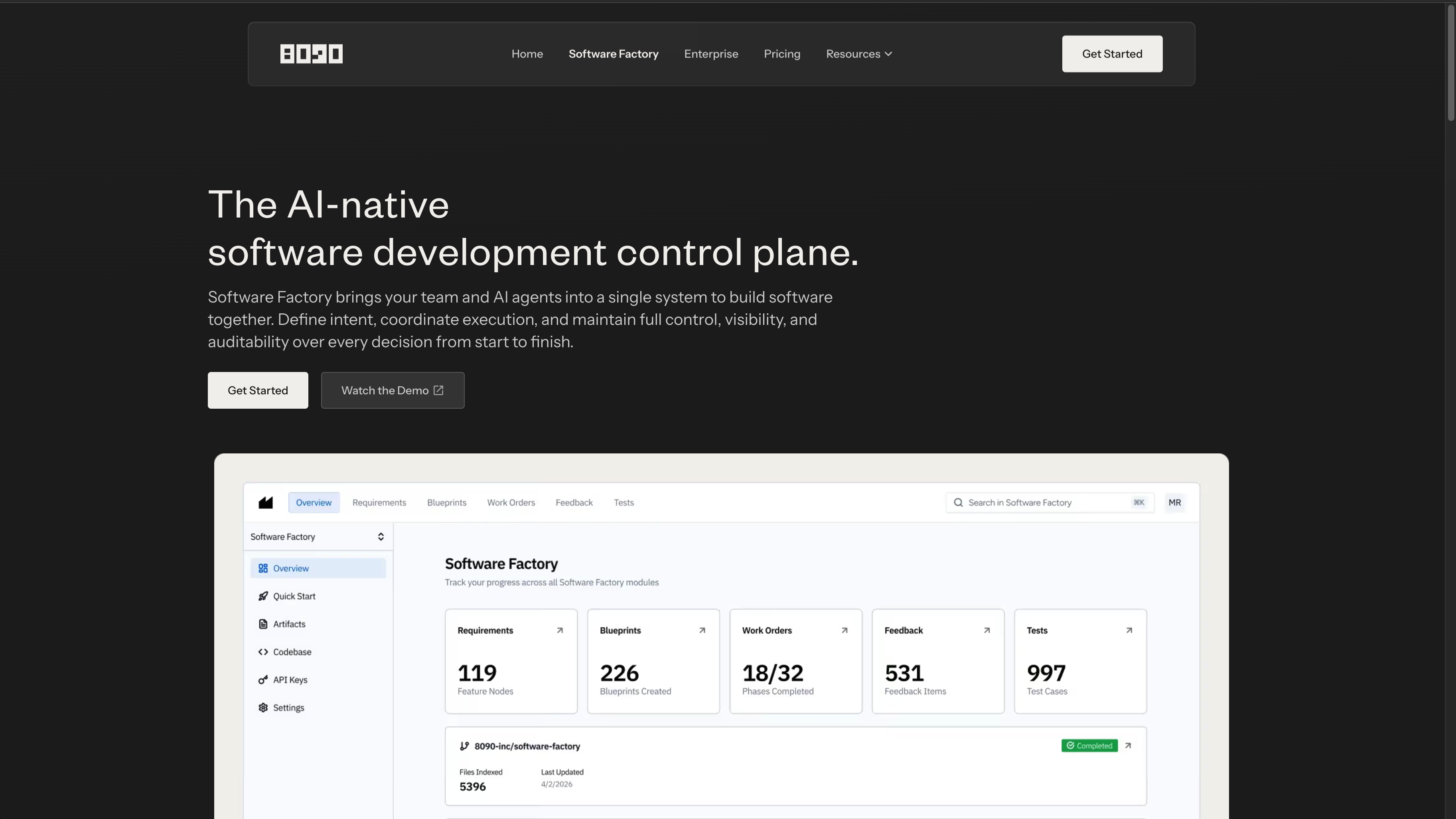
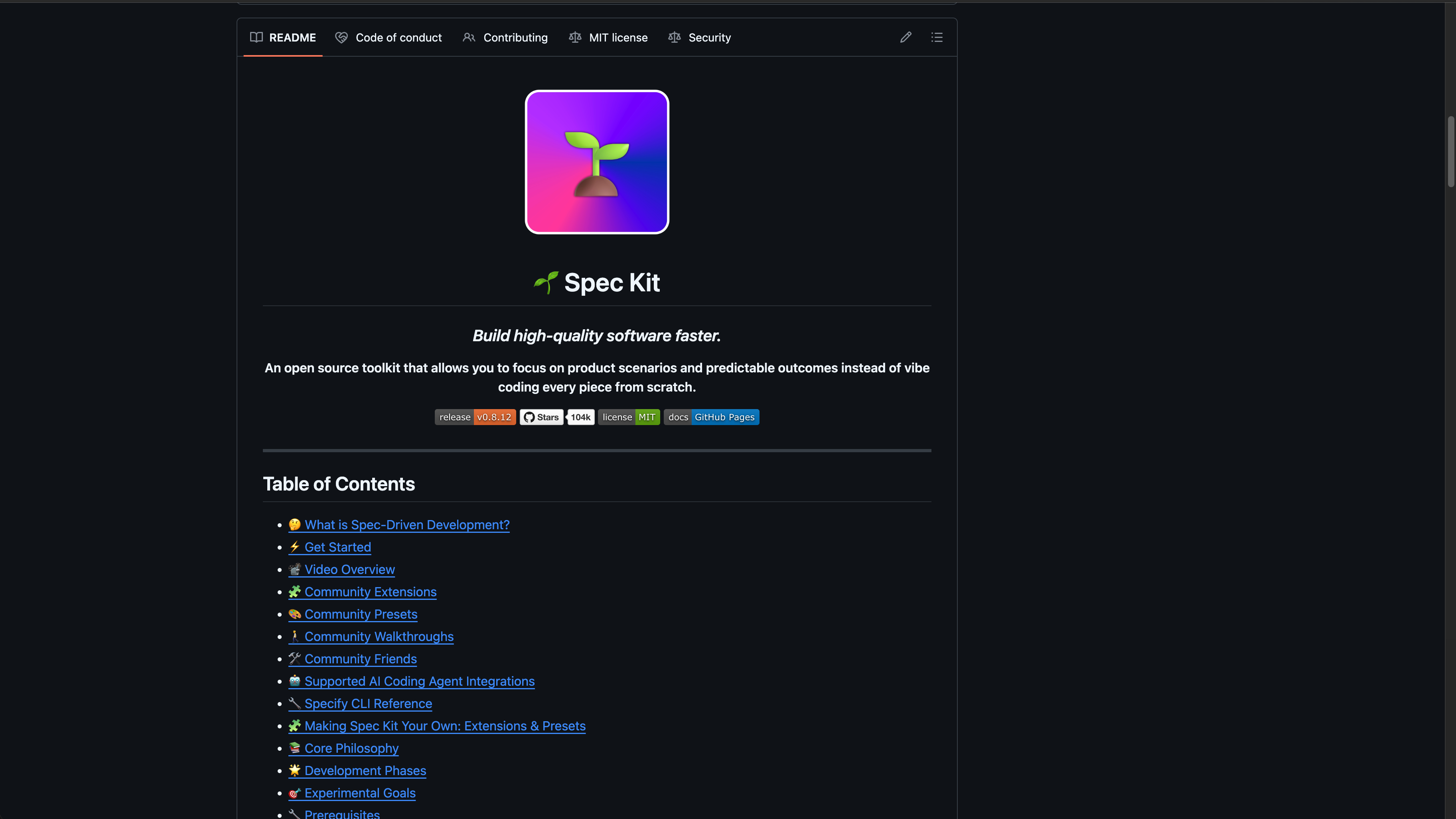
We experimented with more structured approaches, but we have not found massive ROI in making them the default. The extra ceremony often added overhead before it added clarity. Some work benefits from a careful written plan. Some work benefits from a short checklist. Some work is small enough that the right move is to orient, change, verify, and hand back the result.
So we leave planning style to individual engineers. The expectation is not “always use the formal planning flow.” The expectation is that the engineer chooses enough planning for the risk of the task, and that the agent exposes its assumptions before those assumptions harden into code.
For high-context product work, I want the agent to state what it believes the requirement is, what it intends to change, how it will verify the result, and where it sees risk. Once that is clear, implementation can move quickly.
A useful planning packet
- Restate the outcome in one sentence.
- Name the files, packages, or surfaces most likely to matter.
- List the constraints that should not be violated.
- Identify the checks that define done.
- Call out decisions that should come back to the human.
Planning depth by risk
| Work type | Planning depth | Verification shape |
|---|---|---|
| Copy or content edit | Short checklist | Build or render check |
| Local bug fix | Focused hypothesis | Targeted test plus regression check |
| UI feature | State map and layout constraints | Browser screenshot and interaction check |
| Shared API or data change | Contract analysis | Tests across callers and migration path |
The handoff question
Can the agent continue after interruption without asking the human to reconstruct the whole task?
The repo was the first workflow
Agentic engineering forced us to rethink the repo before it forced us to rethink prompts.
Platfio started with nine polyrepos. Some published npm packages consumed by the others. Each had its own deployment infrastructure. That was a reasonable architecture when the main constraint was outsourced engineering isolation: an agency could work on a narrow surface without seeing the whole platform.
For agentic engineering, it became unmanageable.
The agent needed to answer questions that crossed repo boundaries. Which package owns this type? Which app consumes this component? Which deployment script matters? Is this behaviour controlled by the platform backend, a customer app, a shared package, or a release process? In the polyrepo world, too much of that map lived outside the agent’s working context.
So the first serious agentic engineering move was a monorepo conversion.
This was not a toy refactor. Platfio spanned product apps, shared packages, deployment infrastructure, and generated customer-app surfaces. At that scale, repo shape is not aesthetic. It determines whether a human or agent can safely understand the blast radius of a change.
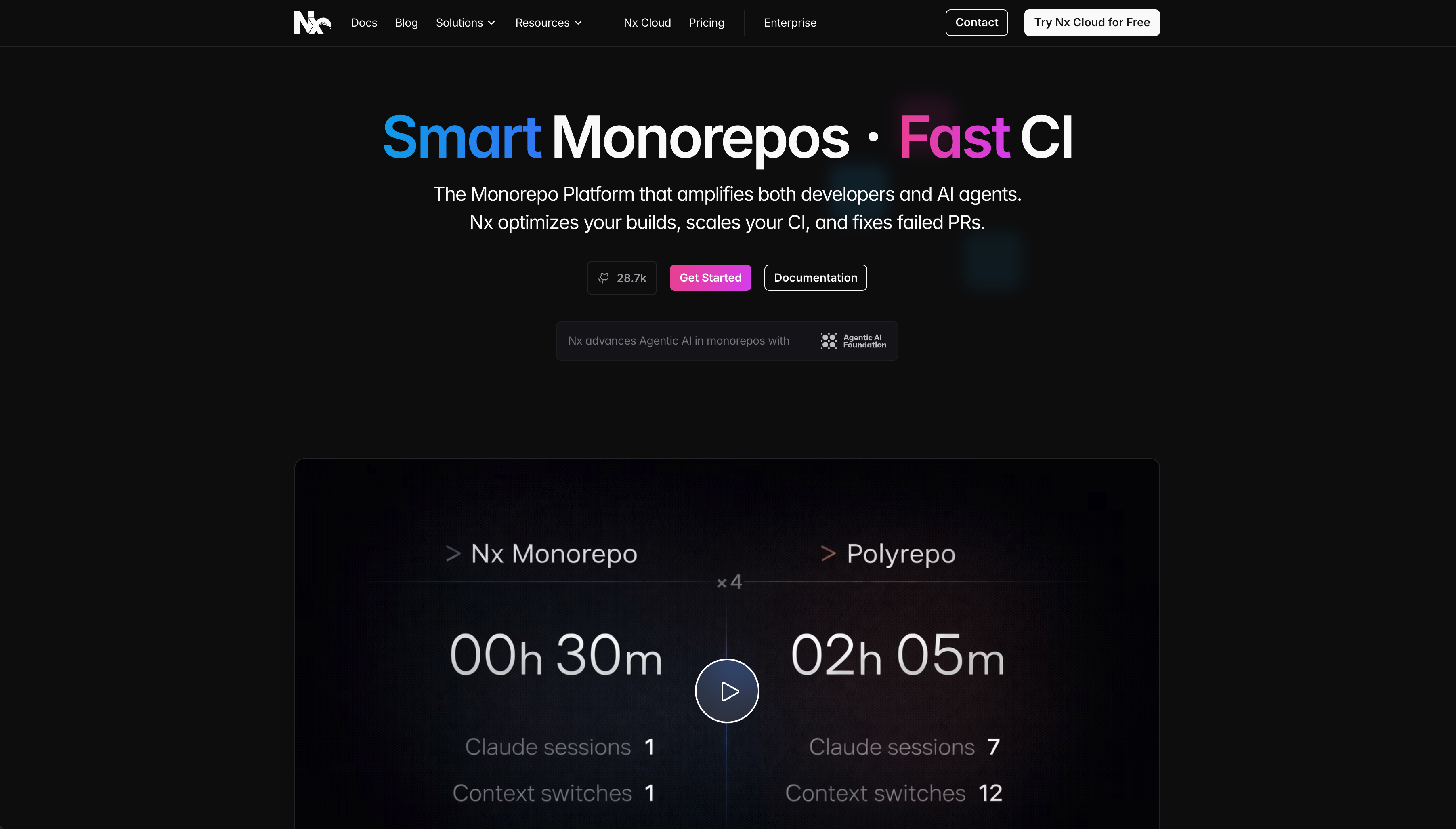
That does not mean every company should collapse everything into one enormous folder tomorrow. It means the agent performs better when related code, scripts, documentation, shared types, design assets, and deployment configuration live in an inspectable workspace with consistent conventions.
In a fragmented system, the agent spends too much effort discovering where reality lives. In a well-structured monorepo, it can build a map.
The extras matter too:
- Root-level scripts for common checks.
- Consistent package naming.
- Shared linting and formatting expectations.
- Workspace documentation.
- Clear boundaries between apps, packages, infrastructure, and content.
- Example implementations for common patterns.
This is not just developer experience. It is agent experience. Increasingly, those are the same thing.
Extensive docs
Documentation became repo context, not a side quest.
Before the monorepo work, a lot of important context lived outside the codebase: product requirements, product marketing, roadmap decisions, customer constraints, implementation notes, and release intent. Humans could recover that context from memory or meetings. Agents could not.
We adopted an extended Nx monorepo structure so more of that context could live beside the code. The point was not to turn the repo into a wiki. The point was to make product intent inspectable at the moment the agent needed it.
The best docs for this kind of workflow are compact, current, and close to the work. They answer questions like:
- How do I run this app?
- How do I test the thing I just changed?
- What architectural decisions should I preserve?
- Which product requirement or roadmap item explains this work?
- What customer or agency constraint matters here?
- What are the naming conventions?
- What are the common failure modes?
- What should never be done without human approval?
Docs become even more powerful when they describe intent. An agent can infer syntax from code. It is much harder to infer why a product decision exists, why a migration was staged, or why a design system avoids a certain pattern.
The writing does not need to be polished. It needs to be reliable.
Strong UI components
UI work exposes weak agent workflows quickly.
An agent can generate a plausible interface in seconds. That does not mean it has produced a usable product surface. The hard parts are hierarchy, spacing, responsiveness, interaction states, accessibility, empty states, loading states, and visual consistency with the rest of the app.
This was one of the clearest lessons. Even with strong prompting and skills, agents do not reliably have great UI/UX taste. They can get close, but close is not enough when the last 5 percent is spacing, hierarchy, responsive behaviour, loading states, and interaction detail.
The major unlock was componentizing the UI and insisting that agents use those components.
Strong component systems give agents better rails. If the app already has a button, menu, modal, data table, form field, toast, command palette, and layout primitives, the agent can compose product-quality screens instead of inventing a new visual language every time.
ShadCN is a useful reference point for this idea: components as code, documented clearly, and easy to adapt. We did not use ShadCN directly. We built every component from scratch, which is surprisingly tractable with AI, and it gave us full control over behaviour, styling, product fit, and documentation. The important part was not adopting a library. It was giving agents perfect in-repo documentation and examples for the components they were expected to use.
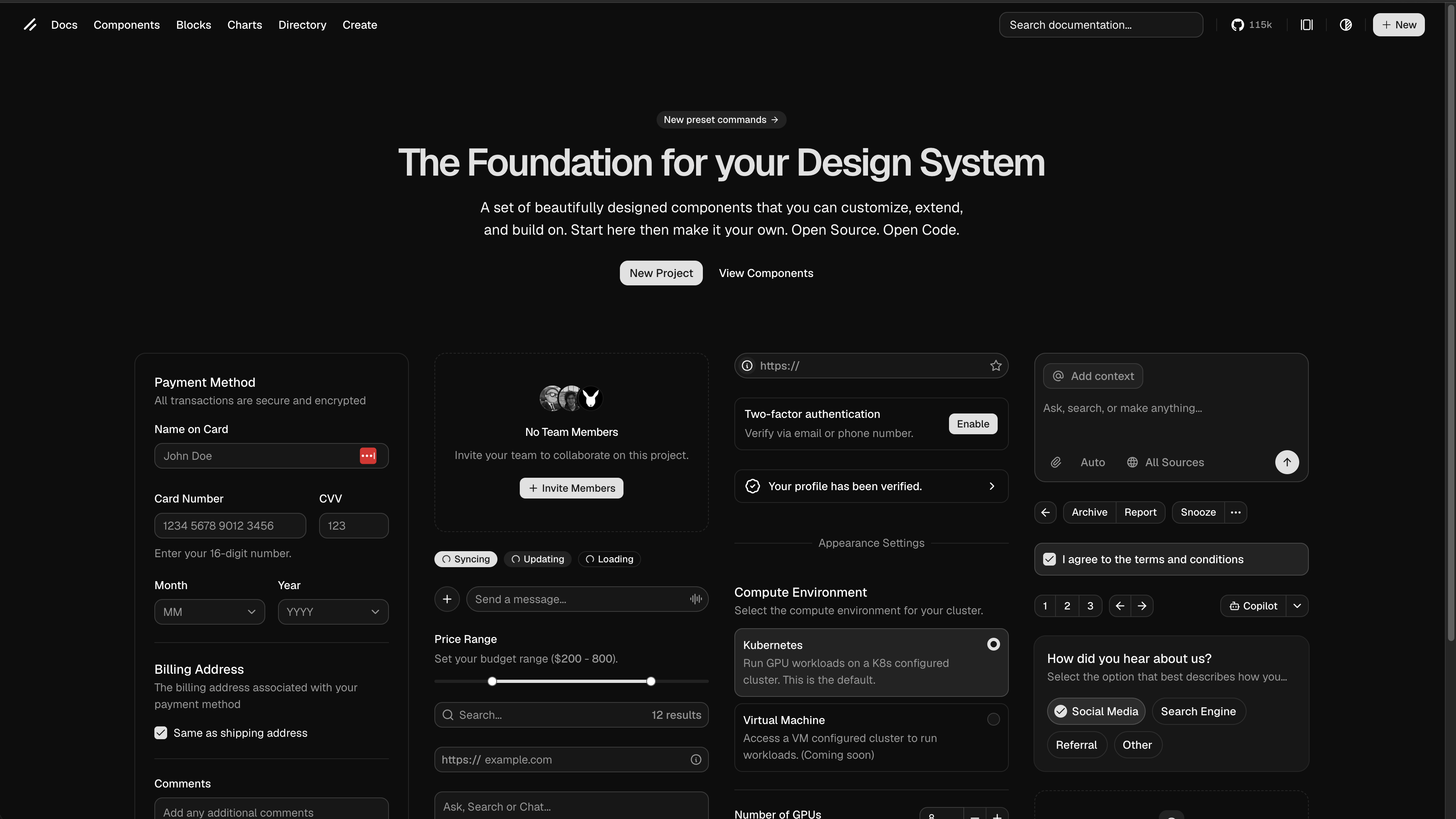
The component system should encode taste.
That means:
- Common controls are easy to find.
- Variants are explicit.
- Layout primitives prevent accidental chaos.
- Examples show real product usage.
- Visual QA is part of the workflow.
For frontend-heavy work, I want the agent to run the app, inspect the page, take screenshots, and fix what it can see. A diff is not enough. The browser is part of the test suite.
AGENTS
An AGENTS.md file is one of the simplest high-leverage additions to a repo.
It gives agents an entry point. It can explain the project, the commands, the coding style, the test strategy, the release process, and the boundaries that matter. It can also describe how the human wants the agent to behave.
The catch is that AGENTS.md is only one provider’s convention. Other systems have rules files, project memories, skill folders, prompt libraries, or hidden configuration. We did not want to maintain the same instruction set five times.
So we moved toward generic source instructions that can be synced into the provider-specific locations with a small script. The source stays portable. The generated locations satisfy the current tools.
Good agent instructions are specific:
- Use this package manager.
- Run this command before finalising.
- Do not edit generated files.
- Prefer these components.
- Keep migrations backwards compatible.
- Ask before touching billing, auth, or production infrastructure.
This turns repeated human interventions into durable repo knowledge.
If you find yourself giving the same correction twice, it probably belongs in the agent instructions.
The important evolution was moving from chat memory to repo memory.
Early agent workflows relied too much on the current conversation. That worked until the session got long, the model changed, the human switched tools, or the same mistake reappeared a week later. Putting the correction into AGENTS.md, a skill, a hook, or a test made it reusable by the next agent and the next human.
Skills
Skills are reusable procedures for specialised work.
They are useful when a task requires more than general coding ability: rendering a document, updating a slide deck, debugging CI, preparing a PR, inspecting a design, generating assets, or running a strict verification workflow.
The important part is that a skill packages both knowledge and process. It tells the agent what “good” looks like for that class of work.
The same portability problem exists here. A skill that only works in one harness is useful, but fragile. A skill that captures the underlying workflow can be adapted into whatever format the current provider expects.
A good skill might include:
- When to use it.
- What files or tools matter.
- What verification steps are mandatory.
- What outputs the user expects.
- What common mistakes to avoid.
Skills turn one-off expertise into repeatable capability. They reduce intervention time because the human no longer needs to re-explain the process every time.
Voice-based prompting
Voice-based prompting is becoming a practical engineering skill, not a gimmick.
Typing is good for precision. Voice is good for dumping context, narrating intent, and steering while the work is moving. A strong developer can use voice to turn half-formed product judgement into a useful agent direction quickly: what feels wrong, what should be preserved, where the risk is, what the customer actually asked for, and what “done” should look like.
The skill is not speaking more. It is speaking usefully.
Good voice prompting usually has a shape:
- Name the outcome.
- Give the relevant context.
- State the constraints.
- Point at evidence.
- Say what should happen next.
Voice works especially well when the developer is reviewing a UI, walking through a bug, inspecting a diff, or correcting a direction in real time. It lets the human stay at the judgement layer while the agent carries more of the mechanical work.
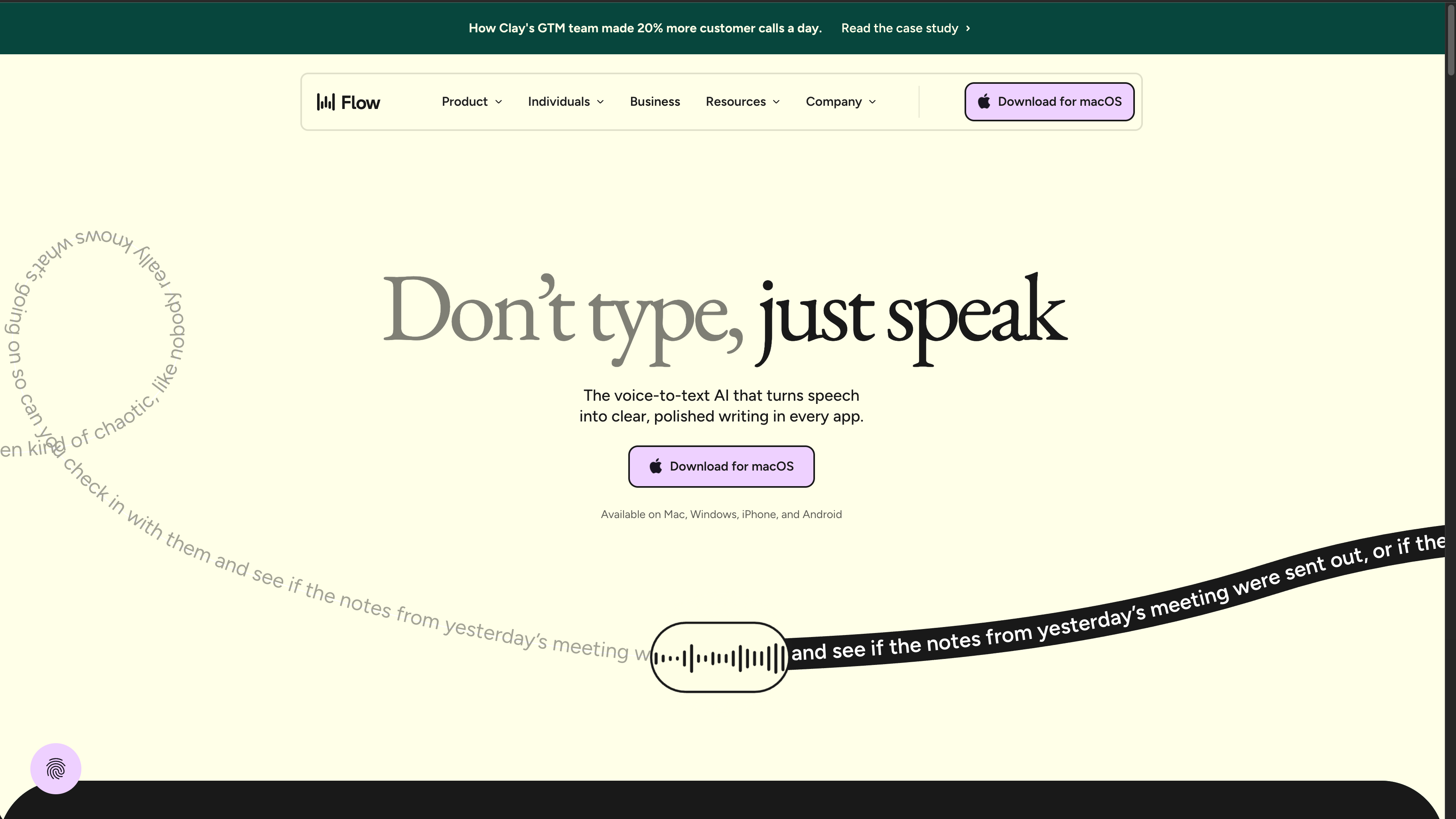
The danger is that voice can create vague, rambling prompts. Tier 1 developers will need to learn how to dictate clear direction without turning every instruction into a transcript-shaped fog.
Voice prompting checklist
- Start with the decision, not the backstory.
- Mention files, screens, logs, or behaviours the agent should inspect.
- Separate preference from requirement.
- Call out what must not change.
- End with the next action and verification expectation.
Multi-agent management
Multi-agent management is another necessary skill for high-output developers.
As agents become cheaper and more capable, the developer’s job shifts from doing every step to orchestrating parallel work without losing coherence. One agent can investigate a failing test. Another can update documentation. Another can prototype a UI change. Another can review the diff for regressions.
That only works if the human manages scope.
Multiple agents without clear ownership create collision, duplicated effort, and contradictory changes. The skill is deciding what can safely run in parallel, what must stay on the critical path, and how results will be integrated.
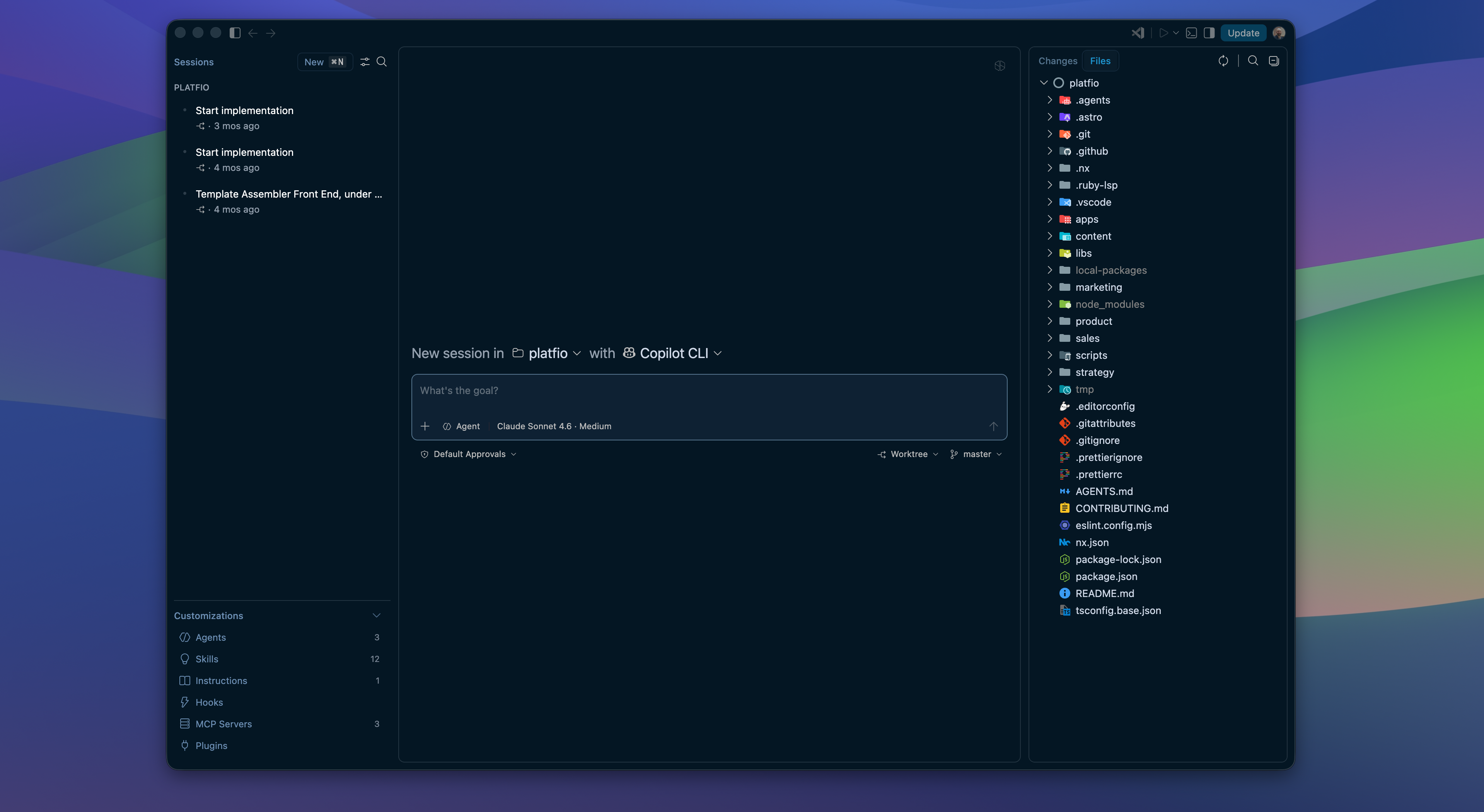
A useful multi-agent workflow has a few rules:
- Give each agent a bounded task.
- Assign clear file or module ownership.
- Keep urgent blocking work local.
- Avoid asking two agents to solve the same unresolved problem.
- Review outputs before integrating them.
- Preserve one coherent product direction.
The best developers will not simply “use more agents”. They will know when parallelism helps and when it creates review debt.
Agent orchestration patterns
| Pattern | Use it when | Watch out for |
|---|---|---|
| Explorer agents | You need independent context from different parts of the codebase | They can over-answer if the question is vague |
| Worker agents | The implementation can be split across clear file or module boundaries | Conflicting edits and inconsistent style |
| Reviewer agents | You want a second pass on tests, risks, or edge cases | Review still needs human judgement |
| CI agents | The failure is bounded by logs and a reproducible check | They should converge, not refactor broadly |
This is why agentic engineering still rewards senior judgement. The leverage comes from delegation, but the quality comes from orchestration.
Hooks
Hooks are where the workflow starts to feel alive.
They let the system react at the right moments: before a command runs, after a file changes, when tests fail, when a branch is ready, or when the agent is about to perform a risky action.
Used well, hooks create guardrails without requiring constant human supervision.
But hooks were another place where the last 5 percent mattered.
We tried hooks for code quality, documentation reminders, generated summaries, and release hygiene. They often caught the obvious miss. They did not reliably replace review. A hook can format a file or warn about a protected path. It usually cannot decide whether the product behaviour is now better, whether the UX state is polished, or whether the changelog explains the customer impact.
Examples:
- Format after edits.
- Run targeted tests after touching a package.
- Warn before modifying protected paths.
- Attach logs to a failure summary.
- Generate a preview link after a successful build.
- Check whether documentation needs to be updated.
The hook should not be clever for its own sake. It should remove a predictable source of friction or risk.
Automations
Automations are for work that should happen without a human remembering to ask.
Some examples are obvious: check CI failures, prepare a weekly dependency report, scan for stale branches, summarise production errors, update generated docs, or follow up on a migration after deploy.
We experimented with automated changelog creation and other “close the loop” automations. The pattern was similar: the first draft was useful, but the final artefact often needed human judgement. The automation could identify changed files and summarize commits. It could not always infer which change mattered to customers, which risk needed to be called out, or which rollout note would prevent confusion.
The bigger idea is that agentic engineering should not be limited to interactive sessions. Some loops are better scheduled. Some are better triggered by events. Some are better attached to a pull request or a deployment pipeline.
The trick is to keep automations accountable. They should have a narrow job, a clear output, and an obvious escalation path when they cannot complete the task safely.
An automation that silently creates ambiguity is worse than no automation.
Where agents failed us
The failures were usually not science-fiction failures. They were ordinary software delivery failures accelerated by a confident assistant.
The first failure mode was fragmented context. In the old polyrepo setup, an agent could make a locally reasonable change while missing a dependency, release script, product requirement, or downstream app that lived somewhere else. The monorepo conversion and repo-native docs were the answer to that failure.
The most common failure was overreach. An agent would solve the visible issue, then “improve” nearby code, rename something unrelated, or smooth over a product decision that should have come back to a human. That is why bounded scope, file ownership, and explicit verification became part of the workflow.
Another failure was false completion. The agent would produce a plausible diff and a confident summary, but the last 5 percent was missing: mobile layout, loading state, empty state, permission check, screenshot QA, or a stale doc. That is why browser checks, targeted tests, and handoff summaries became part of the expected loop.
Secret and environment failures were also common. An agent could burn time chasing an error that was really a missing local key, a protected CI secret, or an integration test that should have used a mock path. The answer was not to give agents more authority by default. It was to make environment readiness legible.
| Failure | What it looked like | Workflow response |
|---|---|---|
| Fragmented context | Change works in one repo but misses dependency, release, or product context elsewhere | Monorepo, repo-native docs, shared commands |
| Overreach | Narrow bug fix turns into opportunistic refactor | Explicit scope, ownership, and review notes |
| False completion | Diff looks good but UI or edge case is broken | Browser QA, targeted checks, and last-5-percent review |
| Context drift | Agent forgets earlier constraints after long runs | Todos, compaction, handoff summaries, repo instructions |
| Environment confusion | Missing secrets masquerade as product bugs | Safe validation commands and secretless test paths |
| Parallel collision | Multiple agents edit overlapping surfaces | Clear ownership and integration review |
The operating system
The future of agentic engineering is not just smarter models. It is better operating systems around the models.
That operating system includes the monorepo, docs, components, commands, tests, previews, agent instructions, skills, hooks, automations, review norms, and team training. Each piece shortens the distance between “the agent is stuck” and “the work is moving again.”
The goal is not full autonomy as a party trick.
The goal is a delivery loop where humans intervene at the highest-leverage moments, agents carry more of the in-between work, and quality is reinforced by the system instead of rescued at the end.
That is the workflow I want to keep refining.
Training the team
All of the architectural changes matter: the monorepo, docs, components, checks, and agent instructions. But the highest-leverage change was training the team to work with agents as an operating discipline, not a prompt trick.
The tooling only works if the team learns how to work with it.
Training should focus less on prompt tricks and more on operating discipline:
- How to describe done.
- How to decompose work.
- How to review agent-generated diffs.
- How to write repo instructions.
- How to decide when to use local, cloud, or CI agents.
- How to preserve quality while increasing throughput.
The cultural shift is subtle. Engineers are not handing off responsibility. They are changing the shape of their responsibility.
The human still owns the product judgement, architecture, safety, and final quality bar. The agent takes on more of the mechanical carrying cost between those judgement points.